VM Scream Withdrawal Pending or Declined? Common Causes and Fixes
VM Scream Withdrawal Pending or Declined? Common Causes and Fixes
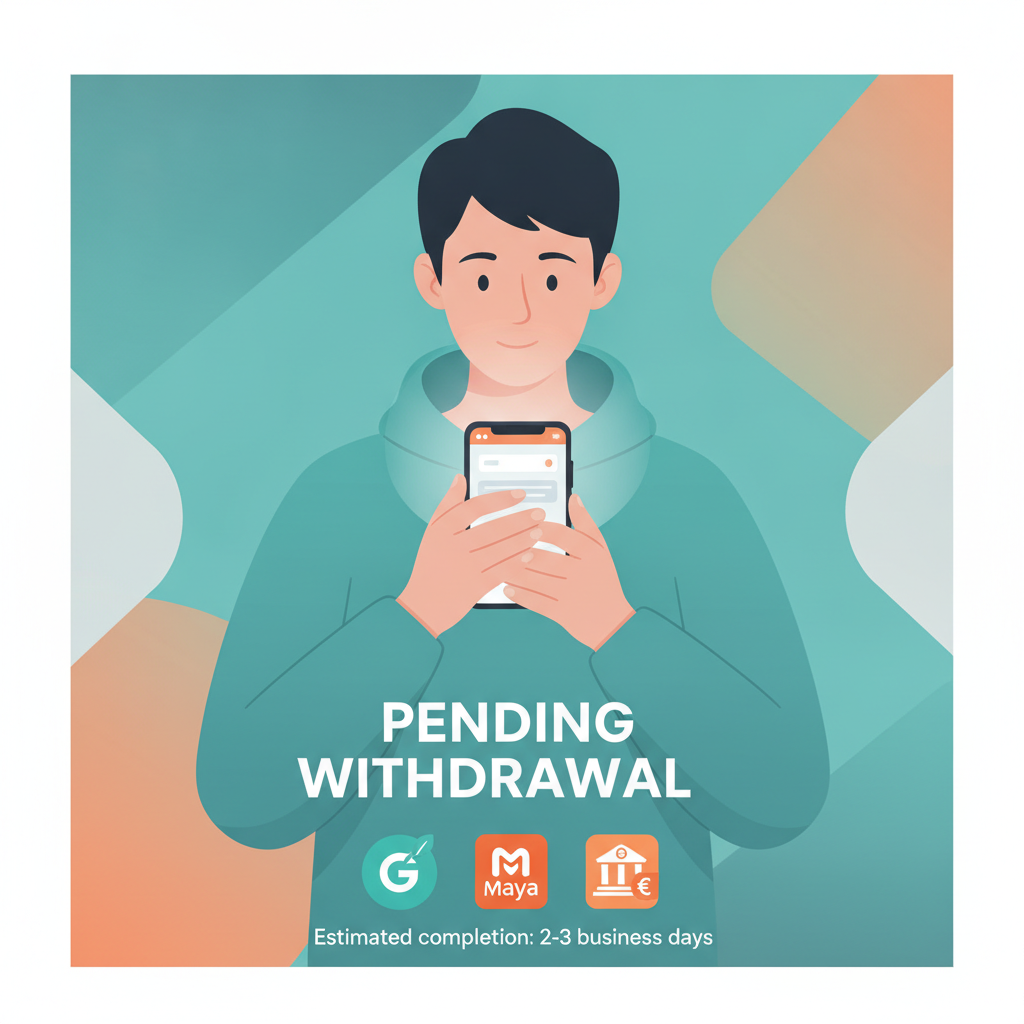
Seeing your VM Scream withdrawal stuck on "pending" or rejected outright can be frustrating, especially when you need funds in your GCash, Maya, or bank account. This guide walks through the most common reasons cashouts get delayed or declined, plus the specific steps to fix each issue.
VM Scream is an online casino and sportsbook platform for players in the Philippines. While many withdrawals process smoothly, understanding why some get held up—and what documents or actions resolve them—saves time and stress.
This content is for players aged 21 and over only. If you feel gambling is affecting your finances or well-being, seek support from the National Council on Problem Gambling or set deposit limits in your account.
Why Cashouts Get Stuck in 'Pending' Status
When you request a withdrawal on VM Scream, it doesn't always move to "approved" right away. Here are the usual reasons a payout sits in pending:
Account Verification Not Complete
VM Scream requires identity verification before processing larger or first-time withdrawals. If you skipped uploading a valid Philippine ID (driver's license, passport, UMID, or postal ID) or proof of address (utility bill, bank statement dated within three months), the cashout waits in queue until you submit those documents.
Fix: Log into your account, go to the profile or verification section, and upload clear photos showing all four corners of your ID and readable text on your proof of address. Processing usually takes 24–48 hours after submission.
Wagering Requirements Not Met
If you claimed a deposit bonus, cashback, or free spins, VM Scream applies a wagering requirement—typically a multiple of the bonus amount—before you can withdraw. A pending withdrawal often means the system detected unmet rollover.
Example: You deposited PHP 500 and received a PHP 500 bonus with 15× wagering. You must place PHP 7,500 in real bets (on eligible slots or tables) before cashing out.
Fix: Check your account's bonus or promotions tab for the exact wagering progress. Continue playing eligible games until the meter hits 100 percent. Once cleared, resubmit the withdrawal.
Daily or Weekly Withdrawal Limits
VM Scream sets maximum cashout amounts per day and per week. If you request more than the limit—common after a jackpot win or successful sports parlay—the excess stays pending until the rolling period resets.
Fix: Contact support to confirm your current limits. Consider splitting the withdrawal into smaller requests over several days, or ask if your VIP tier qualifies for a higher cap.
Mismatch Between Deposit and Withdrawal Method
Some platforms require you to withdraw using the same channel you deposited with. If you loaded funds via GCash but requested payout to a bank account, the system may flag it for manual review.
Fix: Use the same e-wallet or bank account you used for your most recent deposit. If you need to switch methods, reach out to support with a reason (for example, closed GCash account) and proof of ownership for the new destination.
Weekend or Holiday Processing Delays
Although e-wallets like GCash and Maya often settle instantly, VM Scream's internal approval queue may slow down outside business hours. Bank transfers via InstaPay and PESONet also pause during weekends and public holidays.
Fix: Submit withdrawal requests on weekday mornings for faster approval. If you're using InstaPay or PESONet, expect the funds to arrive on the next banking day.
Reasons VM Scream Declines a Withdrawal Request
A declined or rejected cashout is different from pending—it means VM Scream actively blocked the transaction. Common causes include:
- Duplicate accounts: The platform detected multiple profiles under your name, address, or device. Terms of service typically allow only one account per person.
- Bonus abuse: Repeatedly claiming welcome offers by registering new accounts, or betting patterns that exploit promotional terms.
- Incorrect withdrawal details: You entered a wrong GCash number, Maya account, or bank account number. Even one digit off triggers a decline.
- Insufficient balance after fees: If your remaining balance is below the minimum cashout threshold (often PHP 100–200) after deducting any withdrawal fee, the request fails.
- Verification mismatch: The name on your ID doesn't match the name on your e-wallet or bank account.
Fix: Review the rejection reason in your account notifications or email. Correct the details and resubmit. For duplicate-account or abuse flags, you'll need to contact support directly—automated resubmissions won't work.
How to Contact Support and What Documents to Prepare
When a VM Scream withdrawal issue isn't self-explanatory, reaching support with the right information speeds up resolution.
Contact Channels
- Live chat: Available in the app or mobile site, usually 24/7. Fastest for urgent cashout questions.
- Email: Check the VM Scream Help or Contact page for the official support address. Response times range from a few hours to one business day.
- Phone/Viber (if listed): Some platforms offer a Philippines hotline or Viber community for quicker back-and-forth.
Documents and Details to Have Ready
- Screenshot of the pending or declined transaction: Include the date, amount, and transaction ID.
- Valid Philippine ID: Front and back, clear and unedited.
- Proof of e-wallet or bank ownership: A screenshot from your GCash or Maya app showing your registered name, or a bank statement with account number and name.
- Deposit receipt: If the issue involves matching deposit and withdrawal methods, show the GCash or Maya transaction confirming your load.
- Bonus history (if applicable): Note which promo you claimed and your current wagering progress.
Tip: Be polite and concise. State your player ID, the exact problem ("My PHP 1,000 GCash withdrawal has been pending for three days"), and attach the relevant screenshots in the first message.
Difference Between InstaPay, PESONet, and E-Wallet Processing Queues
VM Scream supports multiple payout channels, and each has a different processing timeline:
GCash and Maya (E-Wallets)
- Typical processing time: Instant to 1 hour after VM Scream approves the withdrawal.
- Fees: Usually zero, though VM Scream may charge a small platform fee (check the cashout screen).
- Limits: E-wallets often allow smaller minimum withdrawals (PHP 100–200) and process seven days a week.
- Best for: Players who need fast access to funds and already use GCash or Maya for everyday purchases.
InstaPay (Bank Transfer)
- Typical processing time: Near-instant during banking hours (usually 8:00 AM to 5:00 PM on weekdays). Requests submitted after hours or on weekends post the next business day.
- Fees: InstaPay itself caps fees at PHP 50 per transaction; VM Scream may absorb this or pass it to the player.
- Limits: Many banks accept up to PHP 50,000 per InstaPay transaction.
- Best for: Players who want same-day bank credits during the week and don't mind waiting overnight if they cash out in the evening.
PESONet (Bank Transfer)
- Typical processing time: 1–2 banking days. Transactions batch overnight.
- Fees: Often lower than InstaPay (sometimes free), but speed is slower.
- Limits: Higher per-transaction caps (commonly PHP 1 million), useful for large cashouts.
- Best for: Players withdrawing bigger amounts who can wait an extra day and want to minimize fees.
Key takeaway: If your VM Scream withdrawal shows "processing" longer than expected, check which channel you selected. E-wallets almost always arrive first; PESONet is the slowest but handles the largest sums.
Final Checklist: Unsticking Your VM Scream Cashout
- Verify your account: Upload a valid Philippine ID and proof of address if you haven't already.
- Check wagering progress: Confirm any active bonus has reached 100 percent rollover.
- Review withdrawal details: Match the payout method to your deposit channel and double-check account numbers.
- Respect limits: Split large cashouts across multiple days if you hit the daily cap.
- Time your request: Submit on weekday mornings for InstaPay or PESONet; e-wallets process anytime.
- Contact support with evidence: Attach transaction screenshots, ID, and e-wallet proof when opening a ticket.
Most VM Scream withdrawal delays resolve within 24–72 hours once you provide the missing document or correct the account detail. Declined requests usually point to a fixable error—duplicate accounts and bonus abuse are the exceptions that require direct negotiation with the platform.
Age and Responsible Gambling Reminder
VM Scream services are restricted to players 21 years of age and older. Gambling should remain entertainment, not a source of income. If you experience difficulty controlling your play or finances, contact the National Center for Mental Health crisis line (0917-899-USAP) or use the self-exclusion and deposit-limit tools in your account settings.